
A cleaning schedule that expects the same version of you every day is going to fail on the days you're not that version. That's the quiet flaw in almost every ADHD cleaning schedule you'll find: Monday is bathrooms, Tuesday is kitchen, Wednesday is vacuuming, forever, on a calendar that has no idea some Wednesdays you have nothing left to give.
Most ADHD cleaning schedules you can download are built the same way a school timetable is built: one task, permanently assigned to one day, repeating every week without exception. That structure has a hidden assumption baked into it, and it's the one that breaks the whole thing.
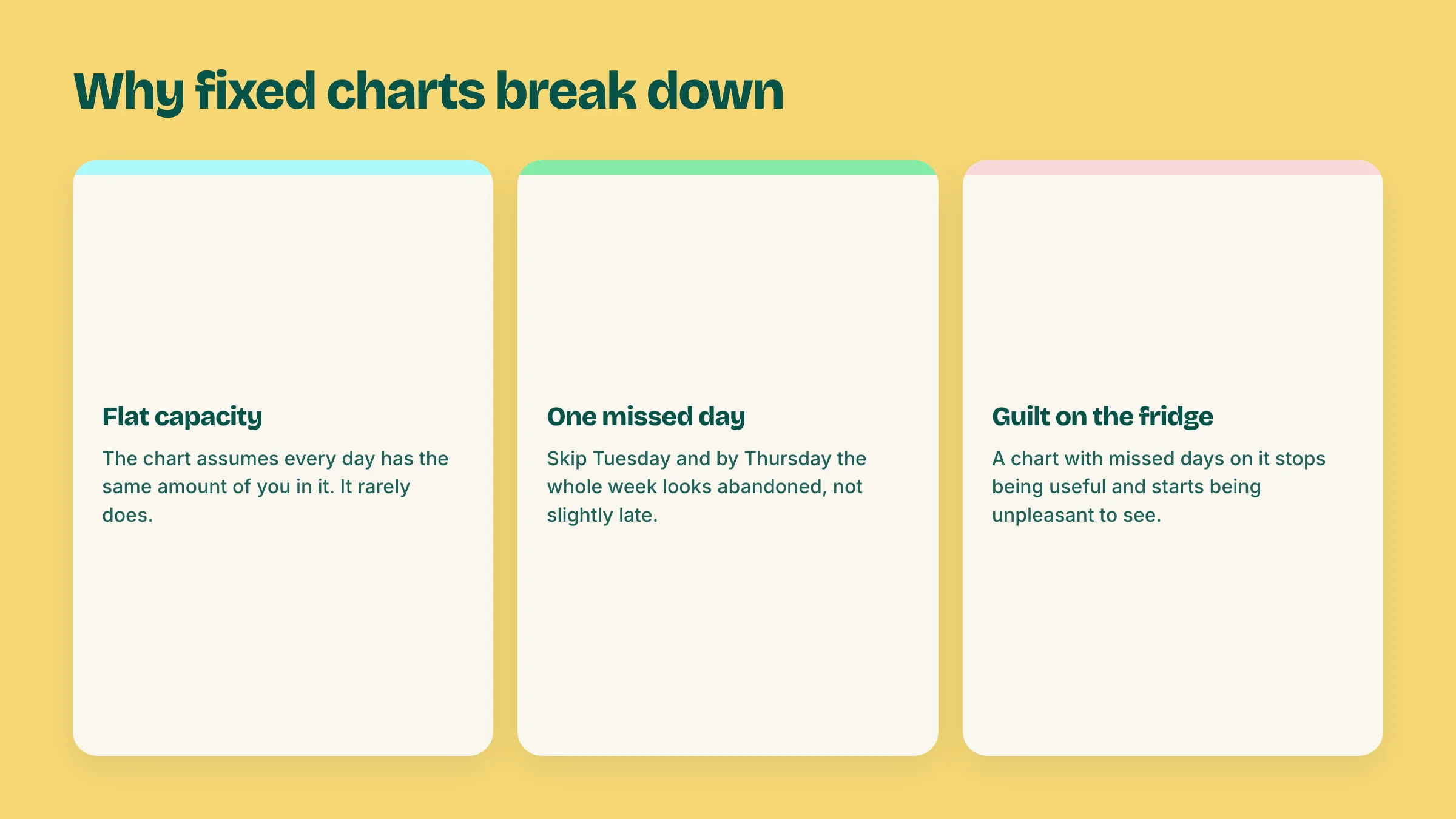
It assumes every day has the same capacity. A Tuesday after a good night's sleep and a Tuesday after a rough week at work are not the same day, but the chart treats them identically. When "vacuum the living room" is due on a day you genuinely cannot do it, the chart doesn't bend. It just fails, visibly, on the fridge, where you'll see it fail again tomorrow.
One missed day breaks the whole week. Fixed schedules are sequential in spirit even when they're not sequential on paper: skip Tuesday's task and by Thursday you're three tasks behind, which is worse than one task behind, because now the whole board looks abandoned instead of slightly late.
A visibly failed chart becomes something to avoid looking at. This is the part that turns a cleaning schedule into a source of guilt instead of help. Once the chart has a few red, missed days on it, glancing at the fridge stops being informative and starts being unpleasant, so you stop glancing. The schedule is technically still there. It's just dead.
None of this is a discipline problem. It's a design problem: a schedule built around fixed days can't survive a brain whose capacity genuinely varies day to day, which is exactly what ADHD does to executive function.
A rotation drops the fixed days and keeps a queue instead. You still list your rooms or tasks, but instead of pinning each one to a specific weekday forever, they sit in an order, and you work through the order at whatever pace that week actually allows.
Miss a session and nothing breaks. The room you would have done is still next in line, waiting, not "overdue." Have a good stretch and knock out three rooms in two days, and the rotation just moves further along, no makeup work required, no red marks. The whole point is that skipping a turn costs you one turn, not the whole system's credibility.
This also solves the part rigid schedules get quietly wrong: not every room needs the same frequency. A bathroom used daily needs more frequent attention than a guest room nobody's slept in for a month. A rotation lets rooms repeat at different rates naturally, based on how often you actually cycle back to them, instead of forcing everything onto the same weekly grid whether it needs it or not.
Pick the rooms or areas you actually want on the list, and how many cleaning sessions you can realistically manage in a week, being honest rather than aspirational about that second number. The rotation below takes both and hands back an order to work through, one room per session, that keeps cycling as long as you keep using it.
There's no fixed day attached to any of it. You open it when you're about to clean, it tells you what's next, you do that one thing, and it moves on. If a week goes sideways and you don't open it at all, nothing resets and nothing is "behind." It picks back up exactly where you left it.
Nothing here is dated, so nothing goes overdue. Close the tab for three weeks and it will still be sitting on the same room when you come back.
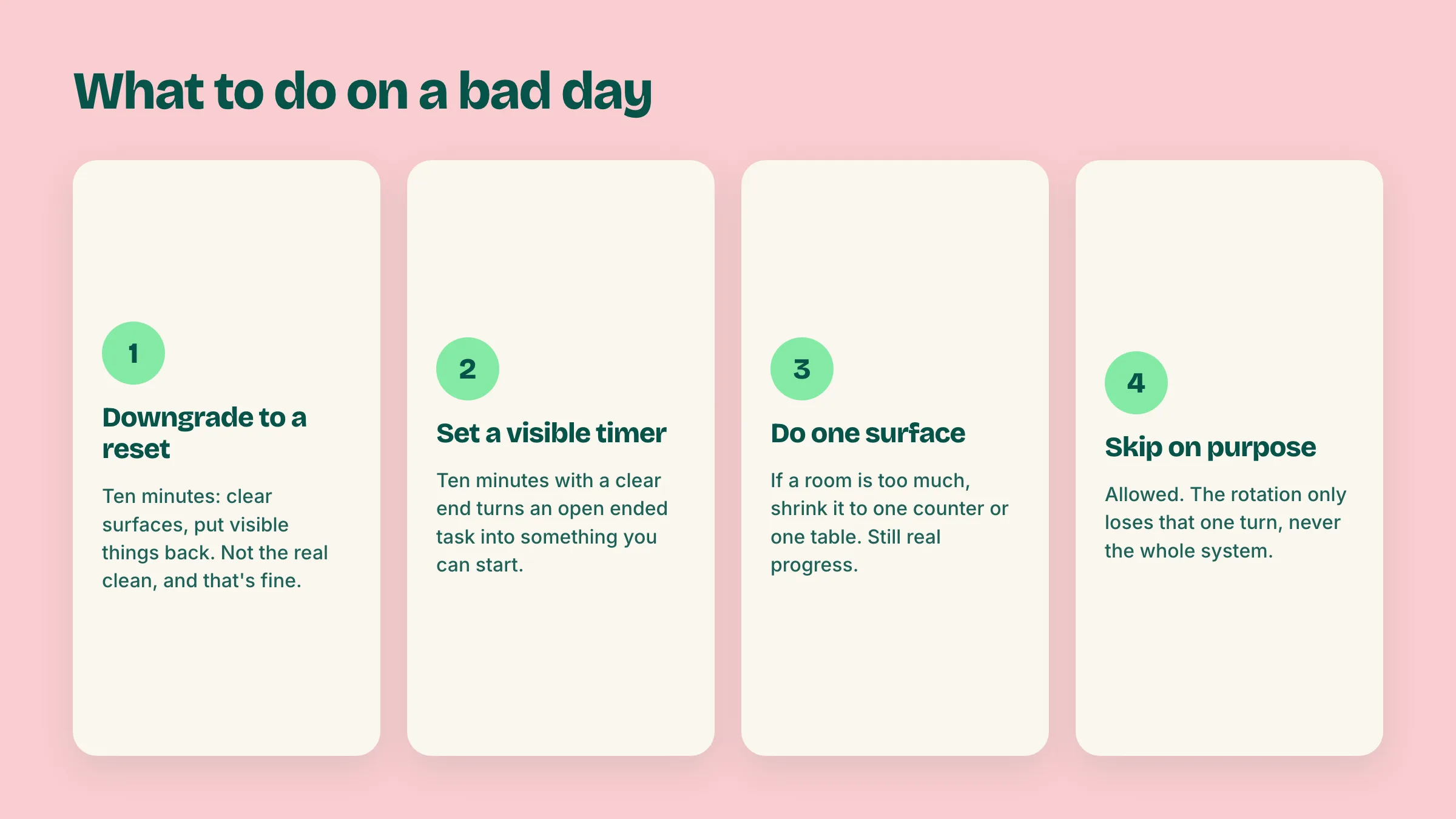
The rotation handles most of the problem, but some days even "do the next room" is too much. Here's what to do on those, because the honest answer isn't "push through" and it isn't "skip and feel bad" either.
The difference between this and a fixed chart is that none of these four options break anything. They're all just smaller versions of the same rotation, not failures of it.
Printable. If you build your rotation above and want a physical copy for the fridge, print the current order. It works exactly like a normal ADHD cleaning schedule pdf, except the order came from your actual rooms and your actual number of days, not a template someone else filled in.
Digital. Keep it open on your phone and check it on your way past a room. This is the version that actually reflects reality, since it updates the moment you mark something done instead of sitting static until you print a new copy.
In your head, once it's simple enough. Some people, after running a rotation for a few weeks, stop needing to check it at all, because five or six rooms in a loop is short enough to remember. That's a fine outcome too. The tool's job is to get you a rotation simple enough to eventually not need it, not to become one more thing you have to maintain forever.
What none of these should be is a static printable you download once, stick on the fridge, and watch fail by week two. That's the version most searches for an adhd cleaning schedule template turn up, and it's the version this page is deliberately not.
Worth being straight about this: Doot does not clean your house. It's a task manager, and the honest boundary is that the physical work of scrubbing a tub, wiping a counter, or vacuuming a rug stays entirely yours, no app changes that.
What Doot is good at is the part next to the cleaning: holding the list of what's next so it isn't living only in your head, and catching everything else that piles up around a cleaning day. You can brain dump "reset the kitchen, call the plumber about the leak, buy more trash bags, return the vacuum bag order" in one messy sentence, and get back separate tasks with dates, so the errands and calls around the cleaning don't get lost while you're focused on the actual room.
If getting started on a task at all is the harder part some days, not knowing what to clean but not being able to make yourself start, that's closer to ADHD paralysis than a scheduling problem, and worth reading about separately.
Try Doot free and keep the calls, errands, and half-finished thoughts around a cleaning day somewhere other than your head.
Try it free on the webarrow_forward