
Short answer: Todoist can work for ADHD, but it takes more discipline than most reviews admit. It's not built specifically for ADHD brains, and its project and label system rewards people who maintain it. If you keep your setup simple and revisit it often, Todoist can be genuinely good. If your task list tends to get messy and stay messy, the same system turns into a pile of red "overdue" numbers that's harder to face than an empty inbox ever was.
This guide is for both outcomes. First, the honest case for Todoist and four setup tips that actually help if you're staying. Then, the specific place it breaks down for messy ADHD use, and what to try if you've already lived that breakdown more than once.
Todoist is a mature, well-built app, and several of its core features line up well with ADHD needs. Natural language input means you can type "call the dentist tomorrow at 3" and it parses the date and time on its own, no separate date picker required. It's cross-platform (web, desktop, iOS, Android, browser extensions), so capture is available wherever you happen to be. Entry-level pricing starts around $4/month, and the free tier is usable on its own.
People on r/todoist and ADHD forums genuinely credit it for reducing forgotten tasks, and Doist (the company behind Todoist) has published its own guidance on managing ADHD symptoms with the app, built around a real user's workflow of ruthless simplification, small subtasks for momentum, and recurring templates for anything repetitive.
None of that is marketing spin. Todoist can work. The catch is what it takes to keep it working: projects and labels are structure you build and maintain yourself, and ADHD is precisely the condition that makes ongoing maintenance the hardest part of any system.
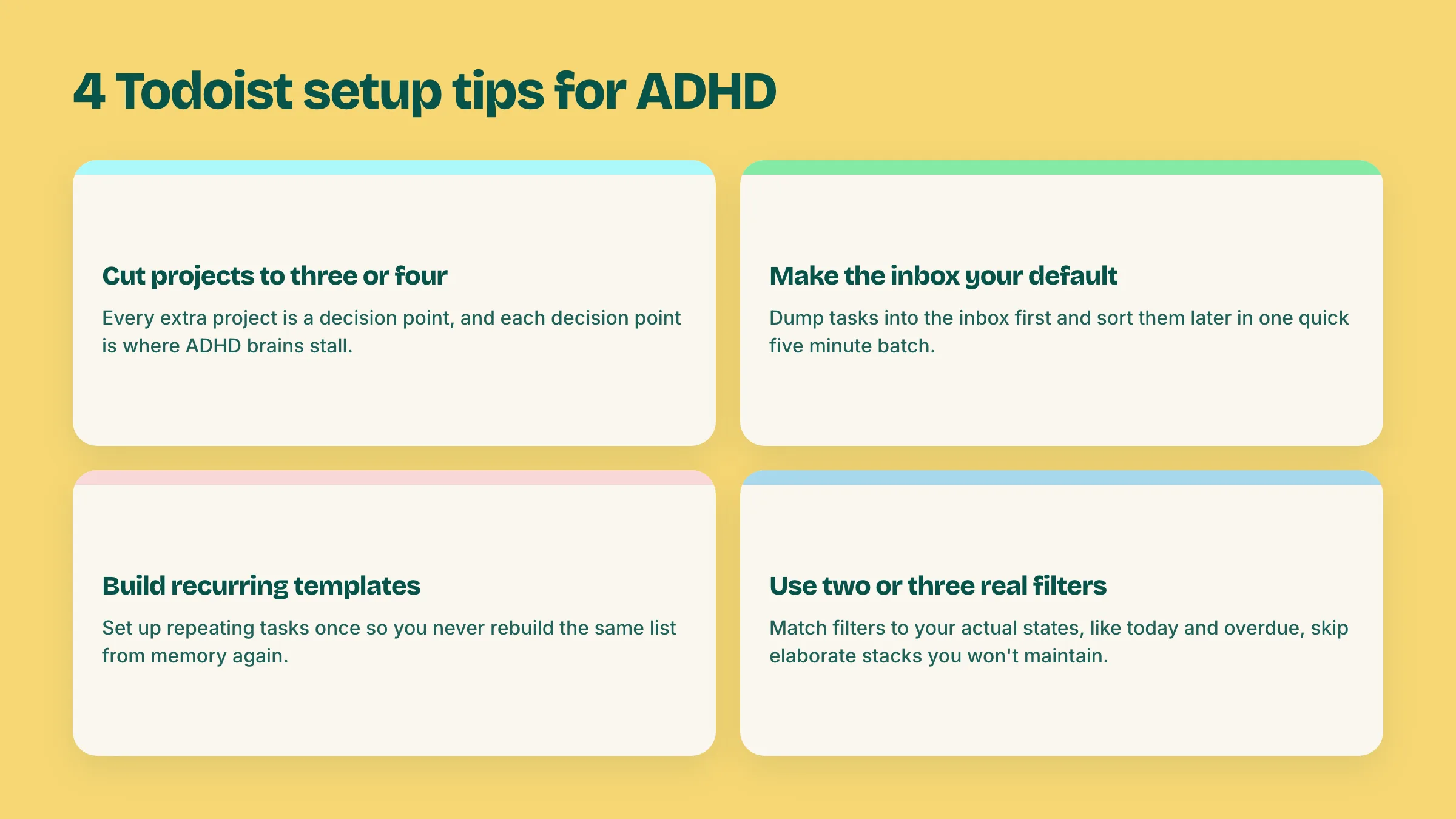
If you're keeping Todoist, these are the changes worth making before anything else:
Do these four and Todoist gets noticeably lighter to run. Skip them, and the default setup (unlimited projects, sub-projects, labels, and priority flags, all optional and all tempting) will happily let you build something too complex to maintain by week three.
Here's the part most Todoist-for-ADHD guides skip: the app's core model assumes you'll keep organizing it. Projects and labels aren't automatic, they're a filing system you maintain by hand, one task at a time, forever.
For a brain that files consistently, that's a feature. For a brain that goes through cycles, three weeks of tidy inbox-zero followed by ten days where everything gets typed into whatever's fastest, it's where the wheels come off. Tasks pile up without a project. Due dates get set optimistically and then missed. The badge count climbs into double and triple digits, and "overdue: 47" stops being useful information and starts being a wall you avoid looking at.
This isn't a discipline failure on the user's part, it's a mismatch: Todoist's model punishes inconsistency because it has no answer for it beyond "try to be more consistent." That advice doesn't work on the brains it's aimed at, which is exactly why so many ADHD Todoist reviews end with some version of "I love it when I use it right."
If you've rebuilt your Todoist setup more than once, if "overdue" numbers make you want to avoid opening the app rather than fix it, or if adding a task ever feels like it requires a decision tree, the honest move isn't to try harder at Todoist. It's to use a tool that doesn't need the maintenance in the first place.
That's what Doot is built for. Instead of filing each task into a project and label as you create it, you dump everything in one messy paragraph, typed or spoken, exactly as disorganized as it is in your head: "finish the deck by thursday, call the dentist, we're out of coffee, look into that renewal thing eventually." Doot's AI splits that into separate tasks, gives each one a plain English date, and groups them by priority automatically. There's no project structure to maintain because there's no project structure required.
Todoist rewards a tidy planner. Doot is built for the messy default, the way most ADHD task management actually looks in practice.
If you're comparing more than one option, it's also worth reading how Doot stacks up against TickTick, a similarly feature-rich to do app with a different set of trade-offs. And if the core issue is less about which app and more about ADHD-specific planning in general, our ADHD task manager guide covers the fundamentals.
Try Doot: dump your tasks the way they actually show up in your head, and let the sorting happen on its own.
Try it free on the webarrow_forward